Document a Folder
To add Folder-level documentation in Bruno, you need to first create a folder within your collection. Once the folder is created, you can add specific details for the folder-level API documentation.
Create Folder Docs
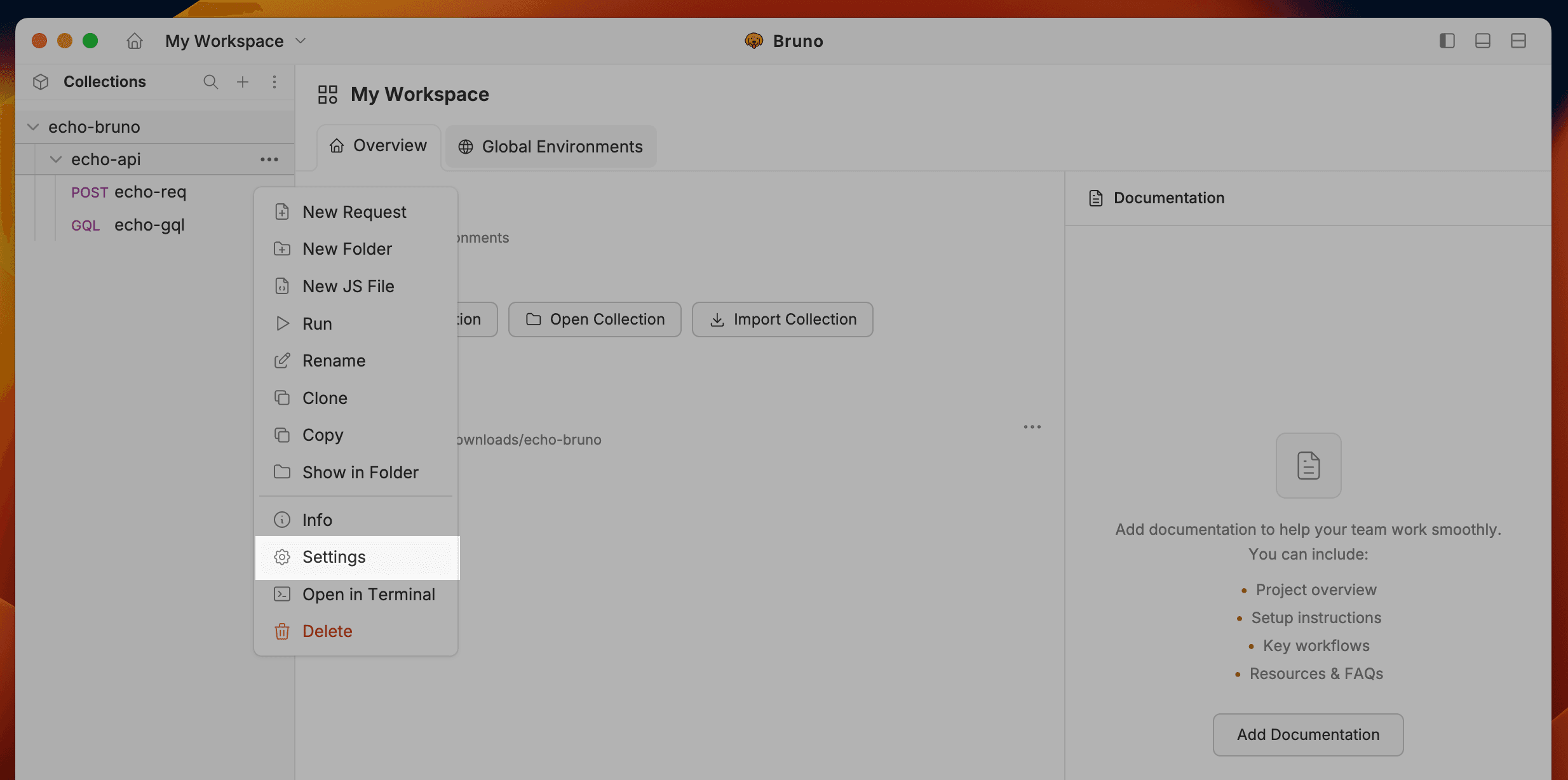
- Navigate to the folder level settings.
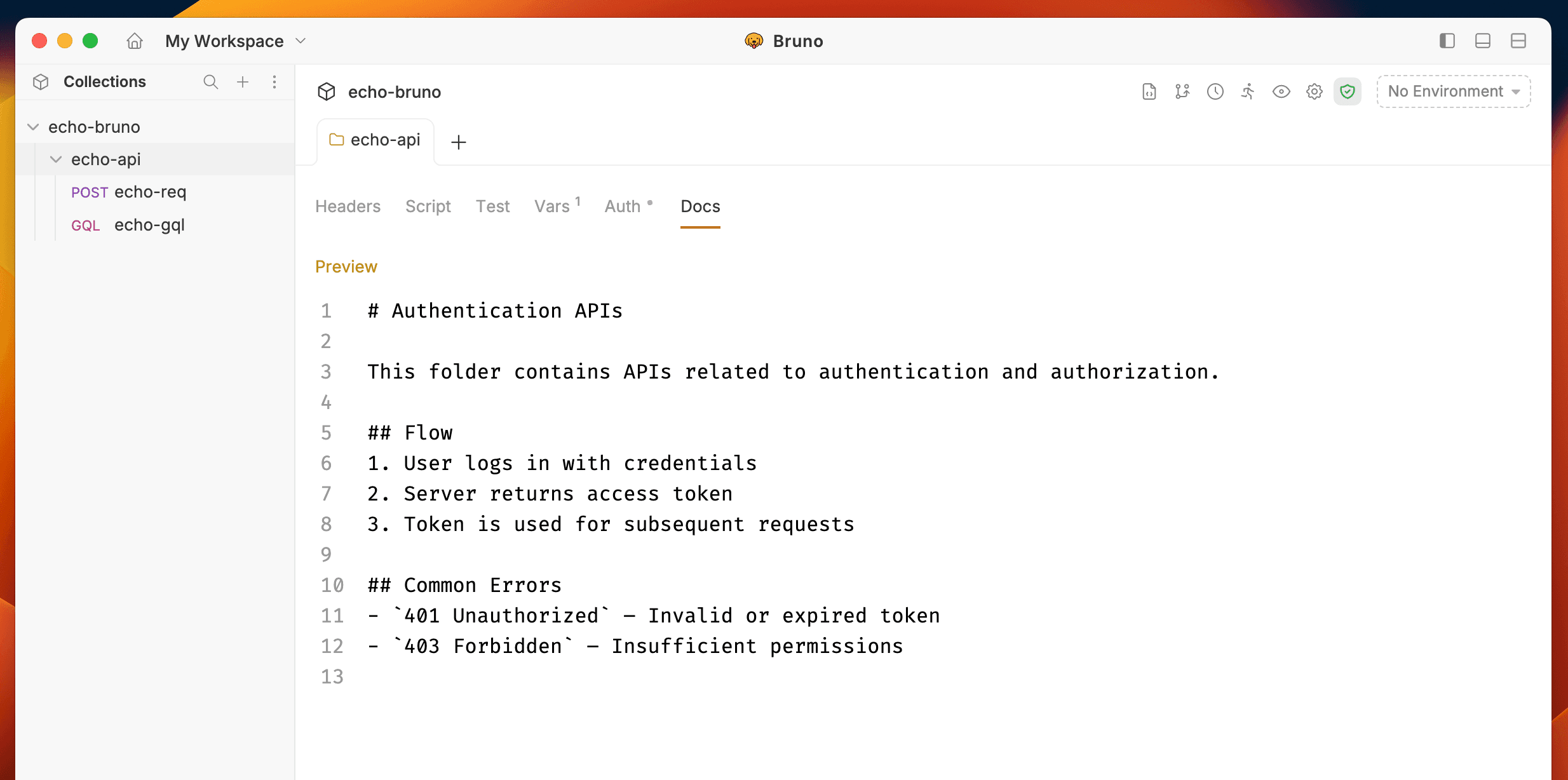
- Go to the Docs tab and click the Edit button.
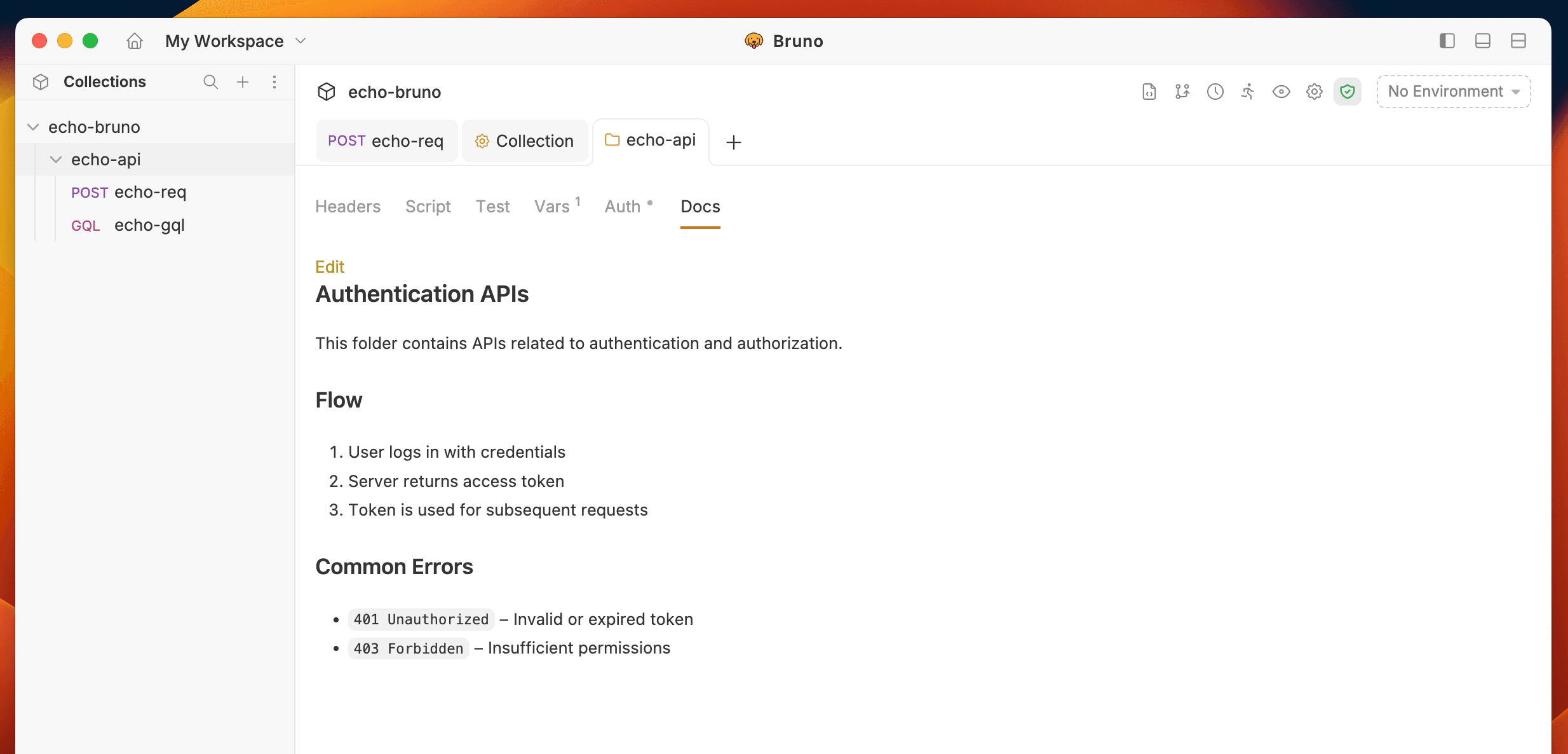
- Click the Preview button to view the formatted output.
Last updated on